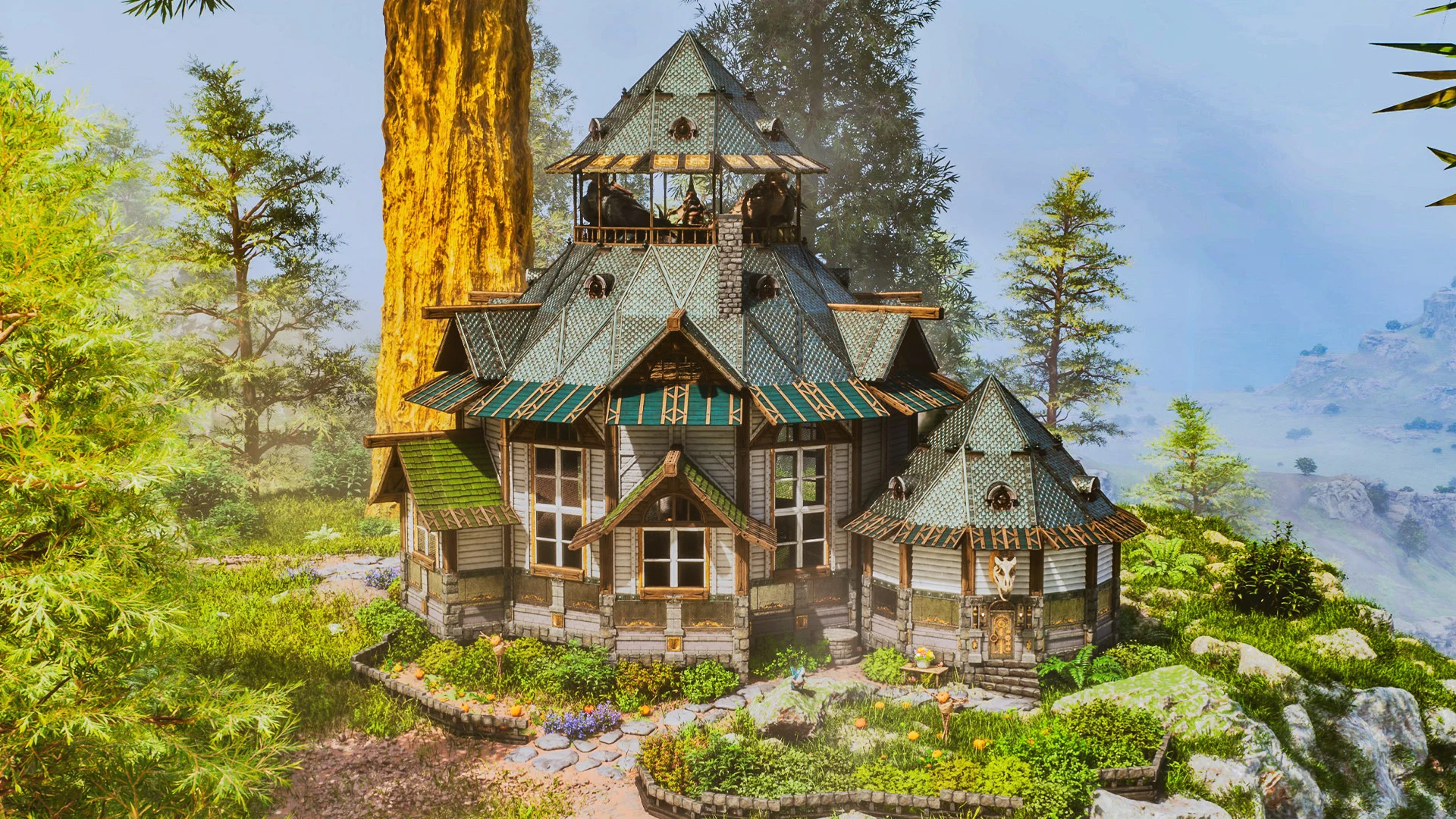
All-in-One Forest Hut
An 893-structure forest hut in wood and stone, combining residential space, storage and everyday crafting in a single build. All-in-one is accurate - you do not need a second structure for the first stretch of a PvE run. Stone tier means it is affordable well before metal, so it suits an early-to-mid game tribe. Requires Bob's Tall Tales.
 Published byLayeh Market
Choose a part or variant
All-in-One Forest Hut
Template Hammer JSON · 893 structures · 40 unique types · 440 KB
Official build cost
- 30,770
- 9,896
- 9,060
- 4,534
- 1,130
- 320
- 318


Raw material equivalents 2 processed materials
Alternative farming view. Do not add these quantities to the prepared materials above.
- 320 Cementing Paste320 crafts produce 320
- 1,280Chitin/Keratin
- 2,560Stone
- 318 Metal Ingot318 crafts produce 318
- 636Metal


Combined raw farming total
- 30,770Wood
- 11,620Stone
- 9,896Thatch
- 4,534Fiber
- 1,280Chitin/Keratin
- 1,130Crystal
- 636Metal
Every one of the 893 placed structures is costed from official DevKit recipe data.
Find raw materials on The Island
ASA only. These links cover Metal, Crystal, Oil and Obsidian on The Island; they do not establish locations on other maps or in ASE. Read the location guide for source scope and access limits, then open the filtered atlas.
Quantities below are the raw-material alternative to the prepared list above. Do not add the two lists together. Official processing recipes are expanded with shared demand combined before rounding to whole crafting batches; spare output is shown in Raw material equivalents. This assumes you craft the prepared materials from these recipes. Processing fuel, travel and server overrides are outside this crafting list. Map markers show recorded placements, not guaranteed harvest yields or farming times.
- 30,770 WoodRaw crafting requirementNo location handoff in this supported subset
- 11,620 StoneRaw crafting requirementNo location handoff in this supported subset
- 9,896 ThatchRaw crafting requirementNo location handoff in this supported subset
- 4,534 FiberRaw crafting requirementNo location handoff in this supported subset
- 1,280 Chitin/KeratinRaw crafting requirementNo location handoff in this supported subset
- 1,130 CrystalRaw crafting requirement
- 636 MetalRaw crafting requirement
Structure list — 21 types, 893 pieces
- Greenhouse Doors & Windows×2greenhouse
Material subtotal
- 20 × Crystal
- 8 × Cementing Paste
- 6 × Metal Ingot
- Greenhouse Roof×6greenhouse
Material subtotal
- 210 × Crystal
- 60 × Cementing Paste
- 60 × Metal Ingot
- Greenhouse Triangle Roof & Corner×12greenhouse
Material subtotal
- 300 × Crystal
- 84 × Cementing Paste
- 84 × Metal Ingot
- Greenhouse Wall & Doorways×24greenhouse
Material subtotal
- 600 × Crystal
- 168 × Cementing Paste
- 168 × Metal Ingot
- Stone Foundation×38stone
Material subtotal
- 3,040 × Stone
- 1,520 × Wood
- 1,140 × Thatch
- Stone Gateway×1stone
Material subtotal
- 280 × Stone
- 140 × Wood
- 100 × Thatch
- Stone Pillar×62stone
Material subtotal
- 1,860 × Stone
- 930 × Wood
- 620 × Thatch
- Stone Quarter Wall & Railing×4stone
Material subtotal
- 80 × Stone
- 40 × Wood
- 28 × Thatch
- Stone Reinforced Gate×1stone
Material subtotal
- 60 × Stone
- 30 × Wood
- 20 × Thatch
- Stone Roof, Ramp & Stairs×3stone
Material subtotal
- 180 × Stone
- 90 × Wood
- 60 × Thatch
- Stone Sloped Wall×2stone
Material subtotal
- 40 × Stone
- 20 × Thatch
- 20 × Wood
- Stone Triangle & Quarter Foundation×60stone
Material subtotal
- 2,400 × Stone
- 1,200 × Wood
- 900 × Thatch
- Stone Wall, Doorways & Windowframe×28stone
Material subtotal
- 1,120 × Stone
- 560 × Wood
- 420 × Thatch
- Wood Ceiling & Hatchframe×30wood
Material subtotal
- 1,800 × Wood
- 450 × Thatch
- 300 × Fiber
- Wood Pillar×148wood
Material subtotal
- 5,920 × Wood
- 1,480 × Thatch
- 1,036 × Fiber
- Wood Quarter & Triangle Ceiling×56wood
Material subtotal
- 1,680 × Wood
- 448 × Thatch
- 280 × Fiber
- Wood Quarter Wall & Railing×86wood
Material subtotal
- 1,720 × Wood
- 430 × Thatch
- 258 × Fiber
- Wood Roof, Ramp & Stairs×158wood
Material subtotal
- 9,480 × Wood
- 2,370 × Thatch
- 1,580 × Fiber
- Wood Sloped Wall×62wood
Material subtotal
- 1,240 × Wood
- 310 × Fiber
- 310 × Thatch
- Wood Triangle Roof & Corner×72wood
Material subtotal
- 2,880 × Wood
- 720 × Thatch
- 504 × Fiber
- Wood Wall, Doorways & Windowframe×38wood
Material subtotal
- 1,520 × Wood
- 380 × Thatch
- 266 × Fiber


How to use this template
- Install Template HammerOpen ARK: Survival Ascended on PC with the required content listed above.
- Get the build dataCopy JSON import data or download the native .template file for the selected build.
- Import and previewPaste or load it in Template Hammer, then review placement and resources before confirming.
Related templates
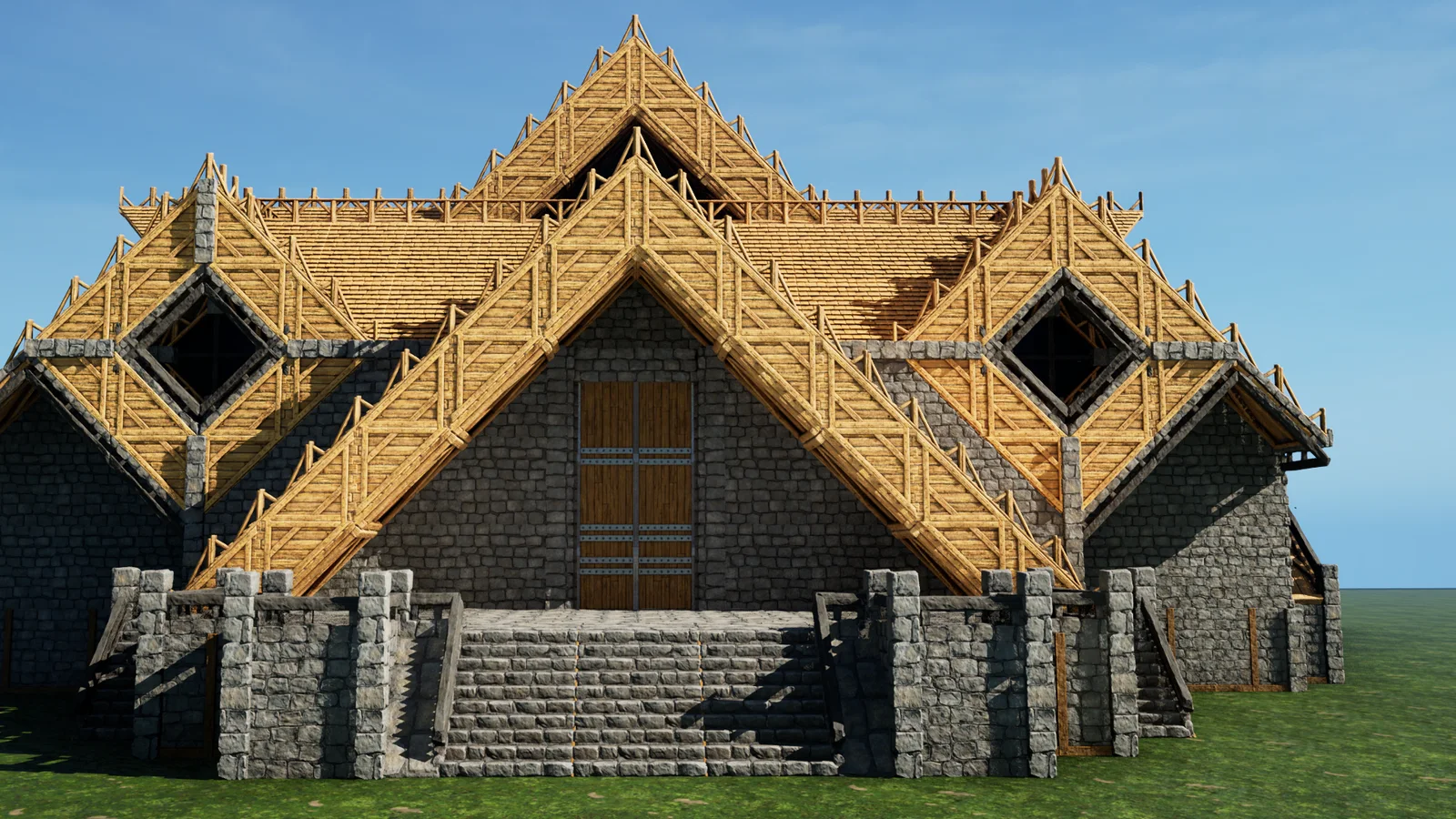
Viking Lodge
Two complete variants of a large Viking-inspired lodge, 1,997 structures at their biggest, sharing one wood-and-stone silhouette with different interior and exterior detailing. Both are vanilla - no DLC, no mods - so they place on any PC server. Pick a variant rather than importing both: at this size a single copy already fills most of a tribe's structure allowance on official settings.
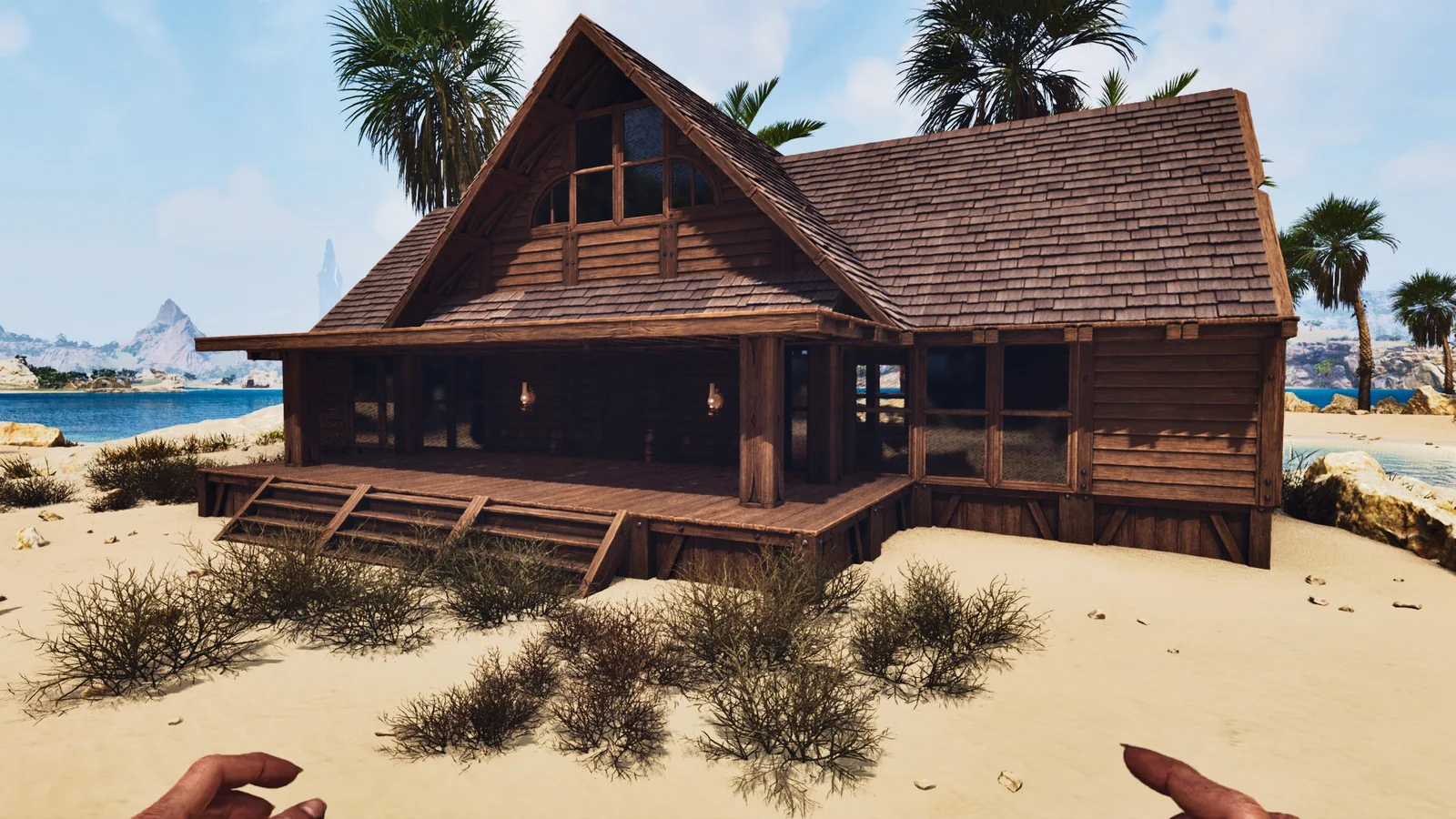
Basic Bunkhouse with Greenhouse
A 272-structure bunkhouse in stone with an attached greenhouse, sized for a small PvE tribe. One of the cheapest complete living-plus-growing setups in the library - under 300 structures, so it barely touches a structure allowance. Good as a satellite build on a farming tile rather than as a main base. Requires Bob's Tall Tales.
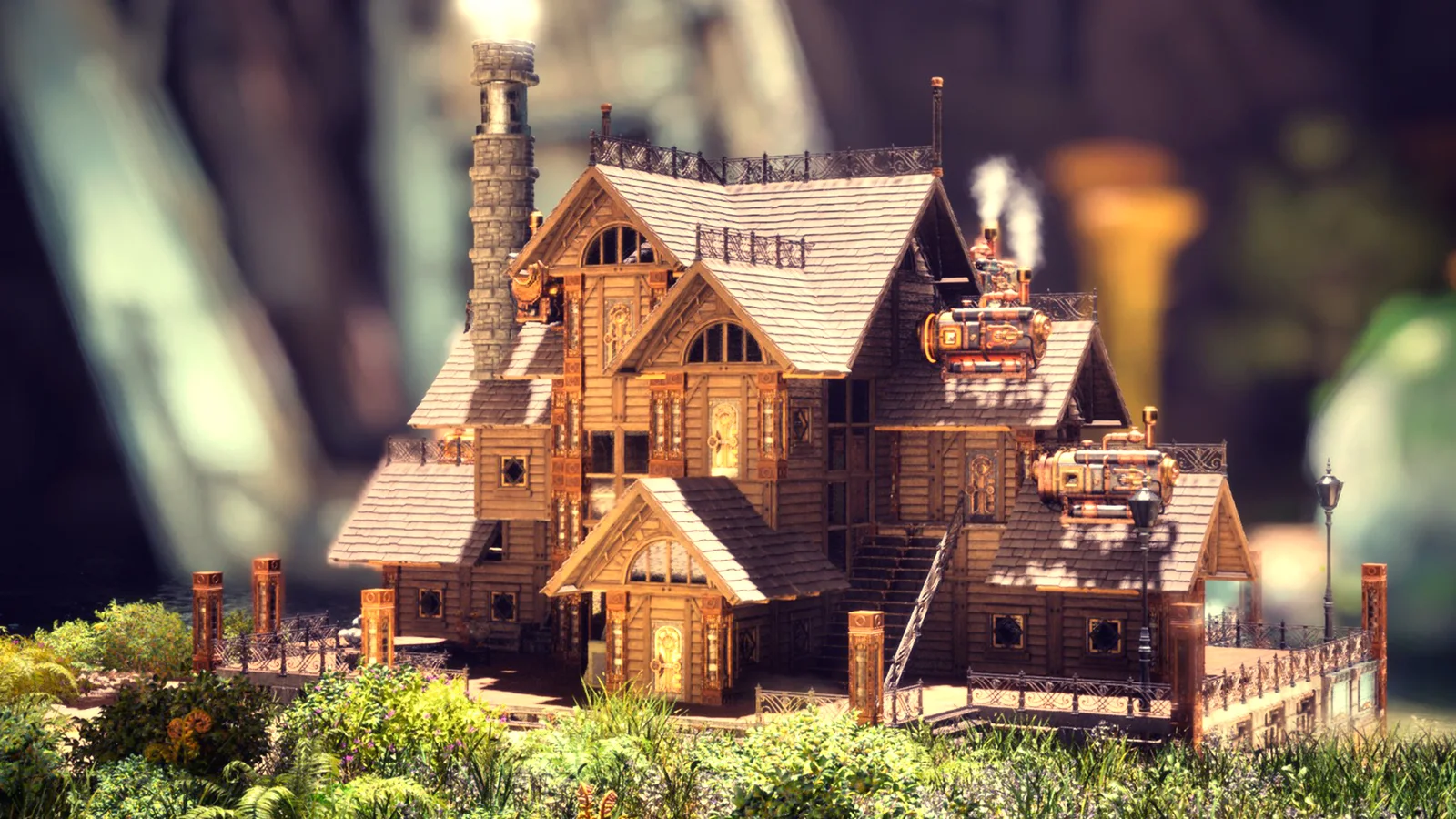
Steampunk Starter House
A 615-structure starter home with practical interior space and steampunk decorative pieces from Bob's Tall Tales. Medium tier, so it is realistic to fund on an early PvE settlement without a metal economy behind you. Themed rather than functional-first: the decorative pieces come from the DLC set, so Bob's Tall Tales has to be active.
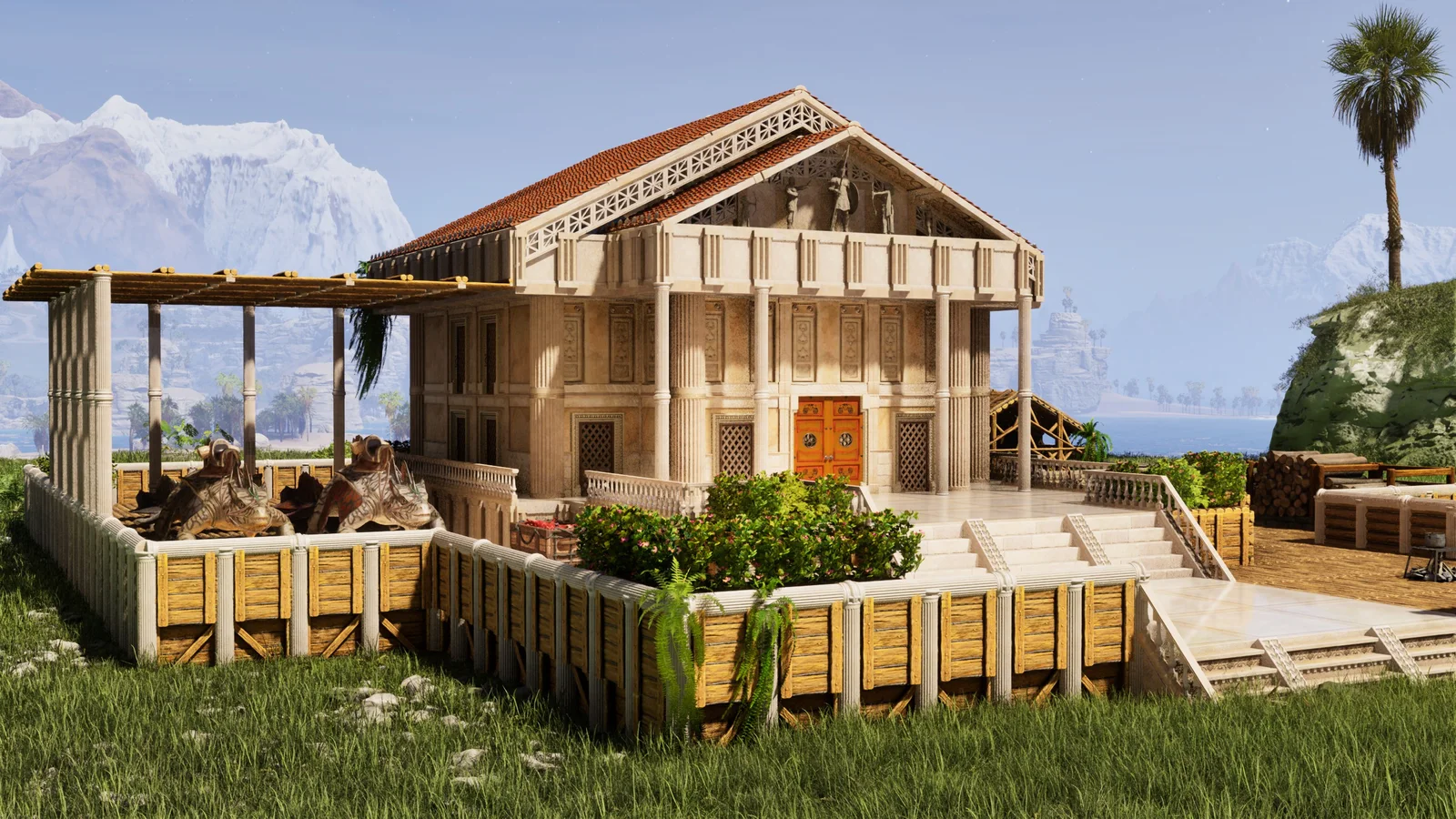
Greek Starter House
A 1,116-structure classical residence in stone with layered rooms, terraces and decorative pieces from the Astraeos Structures mod. Called a starter house, but at over a thousand structures it is a settled home rather than a first-night shelter - build it once you have a stone-tier economy running. Needs the Astraeos Structures mod loaded.