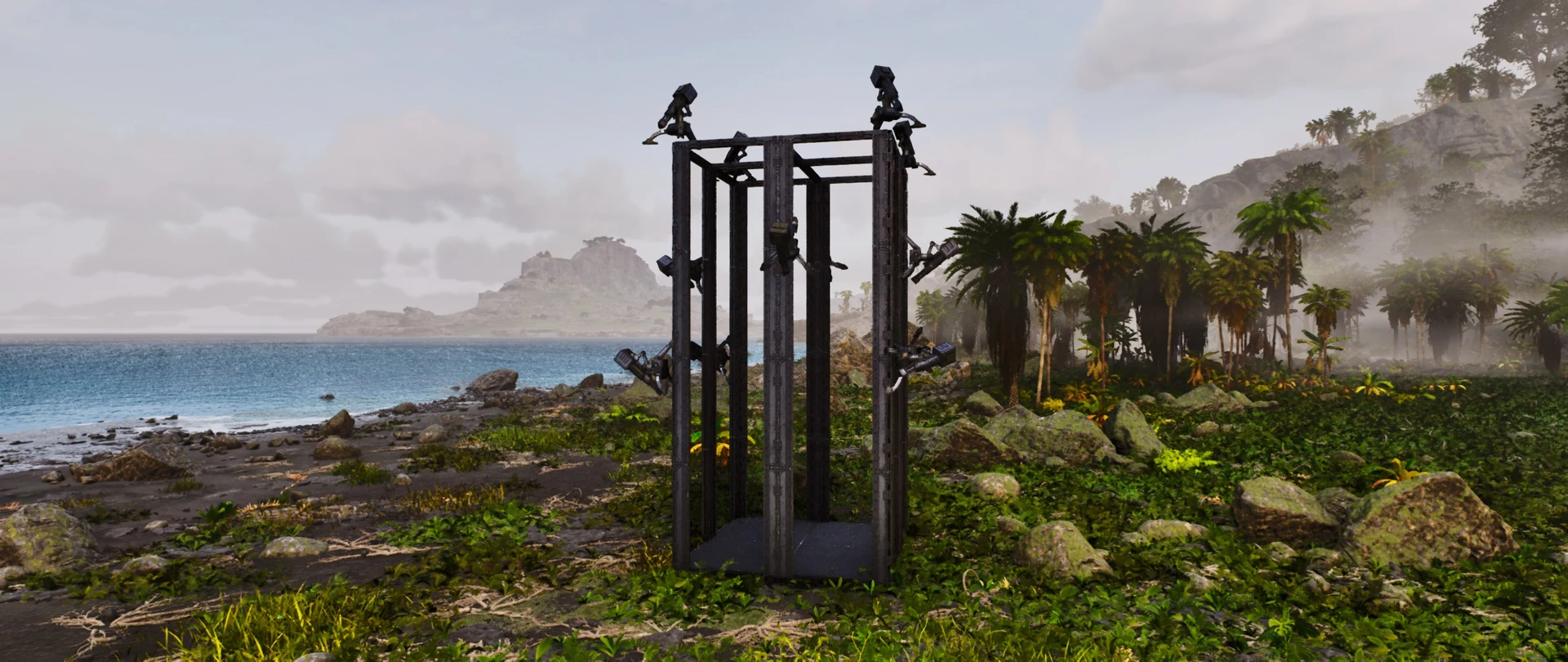
2×2 Auto Turret Tower
A 109-structure 2x2 auto turret tower using additional building cosmetics for its support structure. The 2x2 base plate is the practical part - it snaps onto a standard metal foundation grid, so it drops onto an existing compound without a rebuild. Requires the Arkitect's Paradise and Bamboo Building Cosmetics mods. Official crafting costs are shown with coverage gaps for modded pieces.
 Published byLayeh Market
Choose a part or variant
2x2 Auto Turret Tower
Native .template · 109 structures · 4 unique types · 2 KB
Official build cost
- 4,935
- 2,235
- 600
- 100
- 90
- 70
- 60
- 40


Raw material equivalents 3 processed materials
Alternative farming view. Do not add these quantities to the prepared materials above.
- 90 Polymer90 crafts produce 90
- 180Cementing Paste
- 180Obsidian
- 2,415 Cementing Paste2,415 crafts produce 2,415
- 9,660Chitin/Keratin
- 19,320Stone
- 4,935 Metal Ingot4,935 crafts produce 4,935
- 9,870Metal


Combined raw farming total
- 19,420Stone
- 9,870Metal
- 9,660Chitin/Keratin
- 600Fiber
- 180Obsidian
- 70Oil
- 60Wood
- 40Hide
Every one of the 109 placed structures is costed from official DevKit recipe data.
Find raw materials on The Island
ASA only. These links cover Metal, Crystal, Oil and Obsidian on The Island; they do not establish locations on other maps or in ASE. Read the location guide for source scope and access limits, then open the filtered atlas.
Quantities below are the raw-material alternative to the prepared list above. Do not add the two lists together. Official processing recipes are expanded with shared demand combined before rounding to whole crafting batches; spare output is shown in Raw material equivalents. This assumes you craft the prepared materials from these recipes. Processing fuel, travel and server overrides are outside this crafting list. Map markers show recorded placements, not guaranteed harvest yields or farming times.
- 19,420 StoneRaw crafting requirementNo location handoff in this supported subset
- 9,870 MetalRaw crafting requirement
- 9,660 Chitin/KeratinRaw crafting requirementNo location handoff in this supported subset
- 600 FiberRaw crafting requirementNo location handoff in this supported subset
- 180 ObsidianRaw crafting requirement
- 70 OilRaw crafting requirement
- 60 WoodRaw crafting requirementNo location handoff in this supported subset
- 40 HideRaw crafting requirementNo location handoff in this supported subset
Structure list — 4 types, 109 pieces
- Metal Tree Platform×1metal
Material subtotal
- 1,800 × Metal Ingot
- 1,400 × Cementing Paste
- 600 × Fiber
- Metal Wall, Doorways & Windowframe×105metal
Material subtotal
- 2,625 × Metal Ingot
- 735 × Cementing Paste
- Smithy×2other
Material subtotal
- 100 × Stone
- 60 × Wood
- 40 × Hide
- 10 × Metal Ingot
- Vault×1other
Material subtotal
- 500 × Metal Ingot
- 100 × Cementing Paste
- 90 × Polymer
- 70 × Oil


How to use this template
- Install Template HammerOpen ARK: Survival Ascended on PC with the required content listed above.
- Get the build dataCopy JSON import data or download the native .template file for the selected build.
- Import and previewPaste or load it in Template Hammer, then review placement and resources before confirming.
Related templates
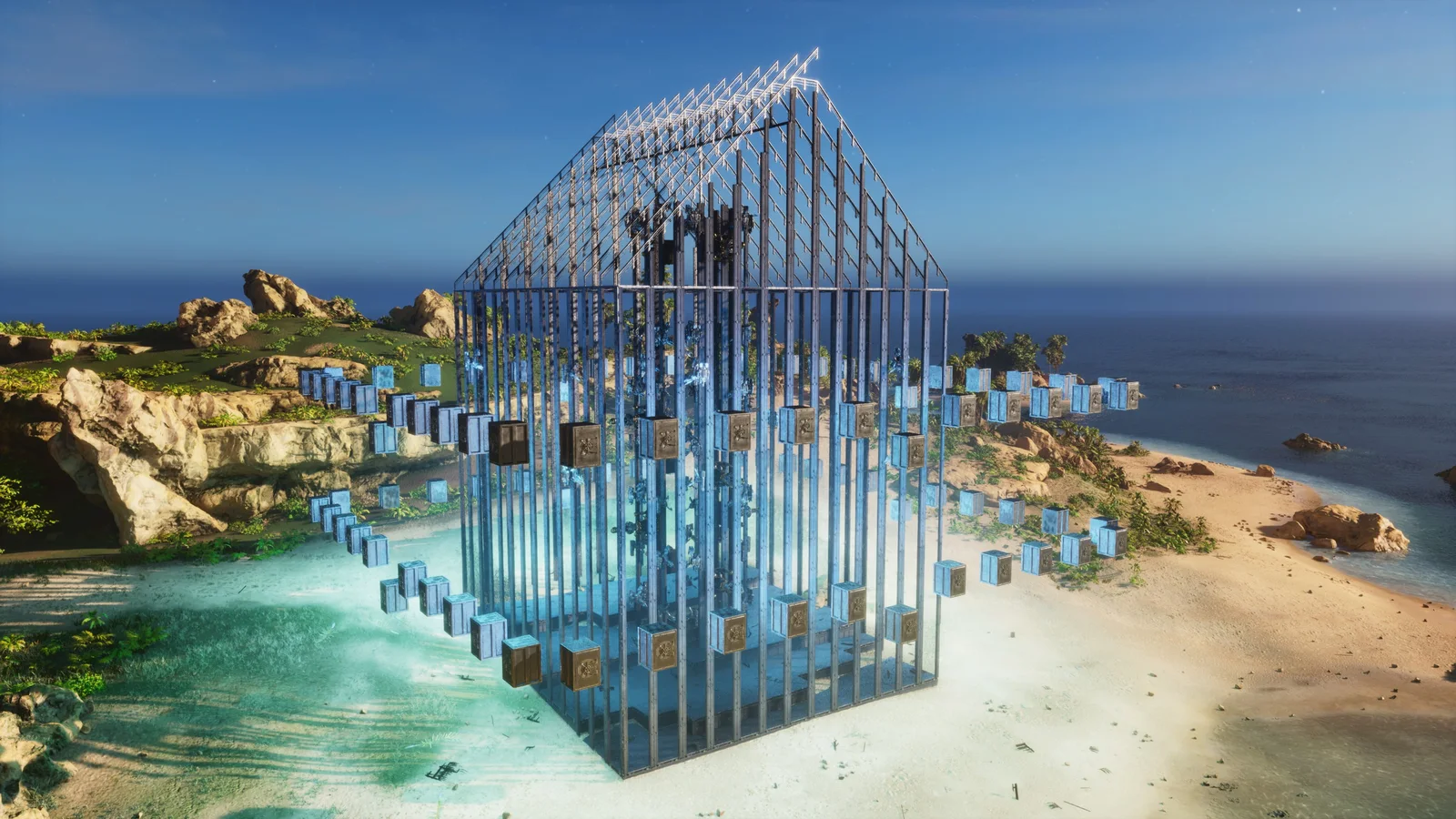
Christmas 13x13 Defense Base
A 1,913-structure 13x13 defensive base in metal and Tek with a seasonal exterior theme. The 13x13 footprint is the practical part: an odd-numbered square gives you a true centre tile for the vault core and symmetrical turret coverage on all four faces. Requires Bob's Tall Tales. At nearly 2,000 structures it will use most of a tile's allowance on official PvP settings.
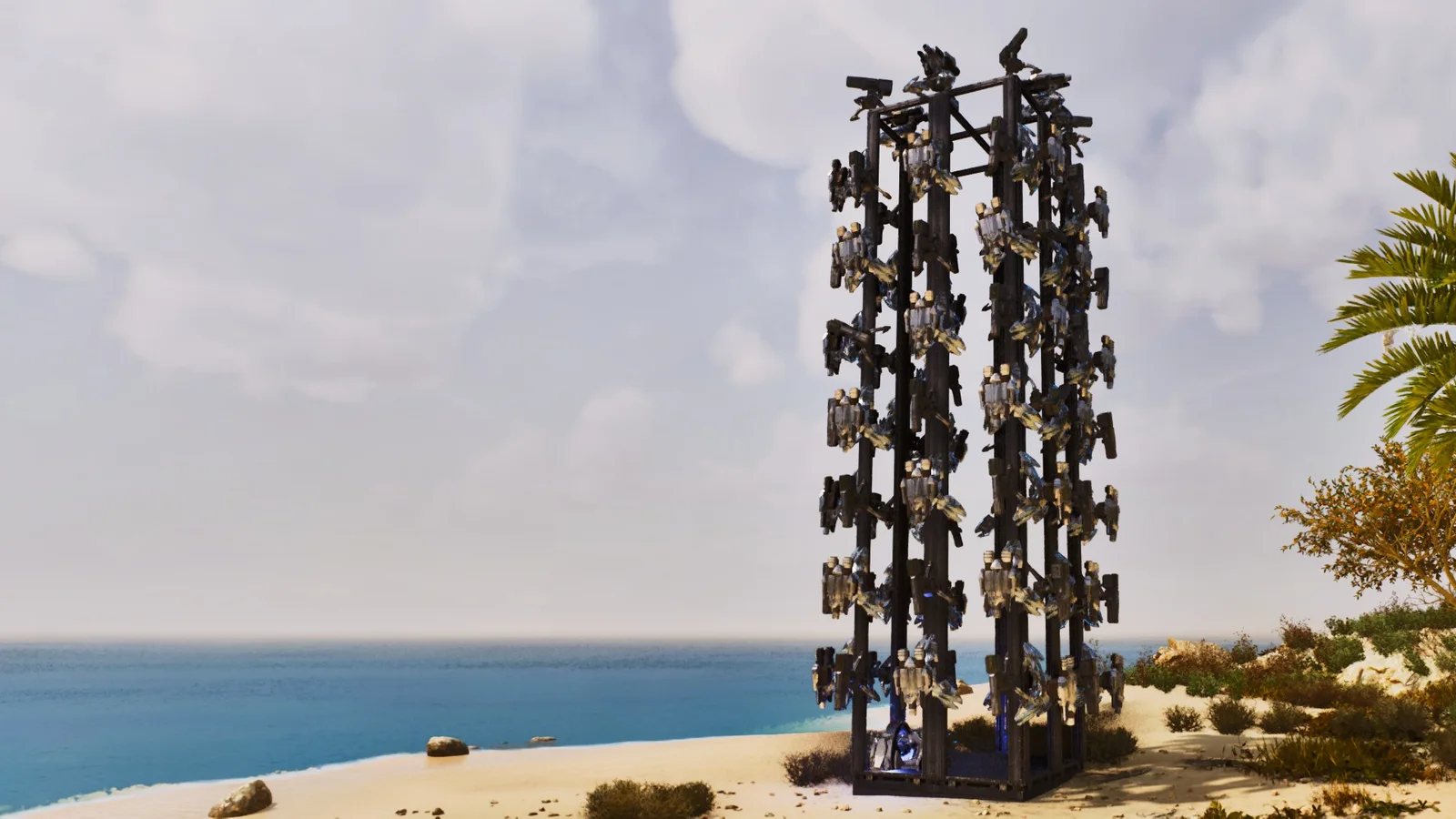
92-Turret Heavy & Tek Tower
A 173-structure turret tower packing 92 Heavy Auto Turrets and Tek Turrets into a single metal-and-Tek footprint, built for PvP offline-protection windows. Mixing the two tiers matters under a soak: they draw different ammunition, so a raider who brought only one counter still has the other tier firing. Fully vanilla - no DLC and no mods. Official crafting costs are shown with visible recipe coverage.
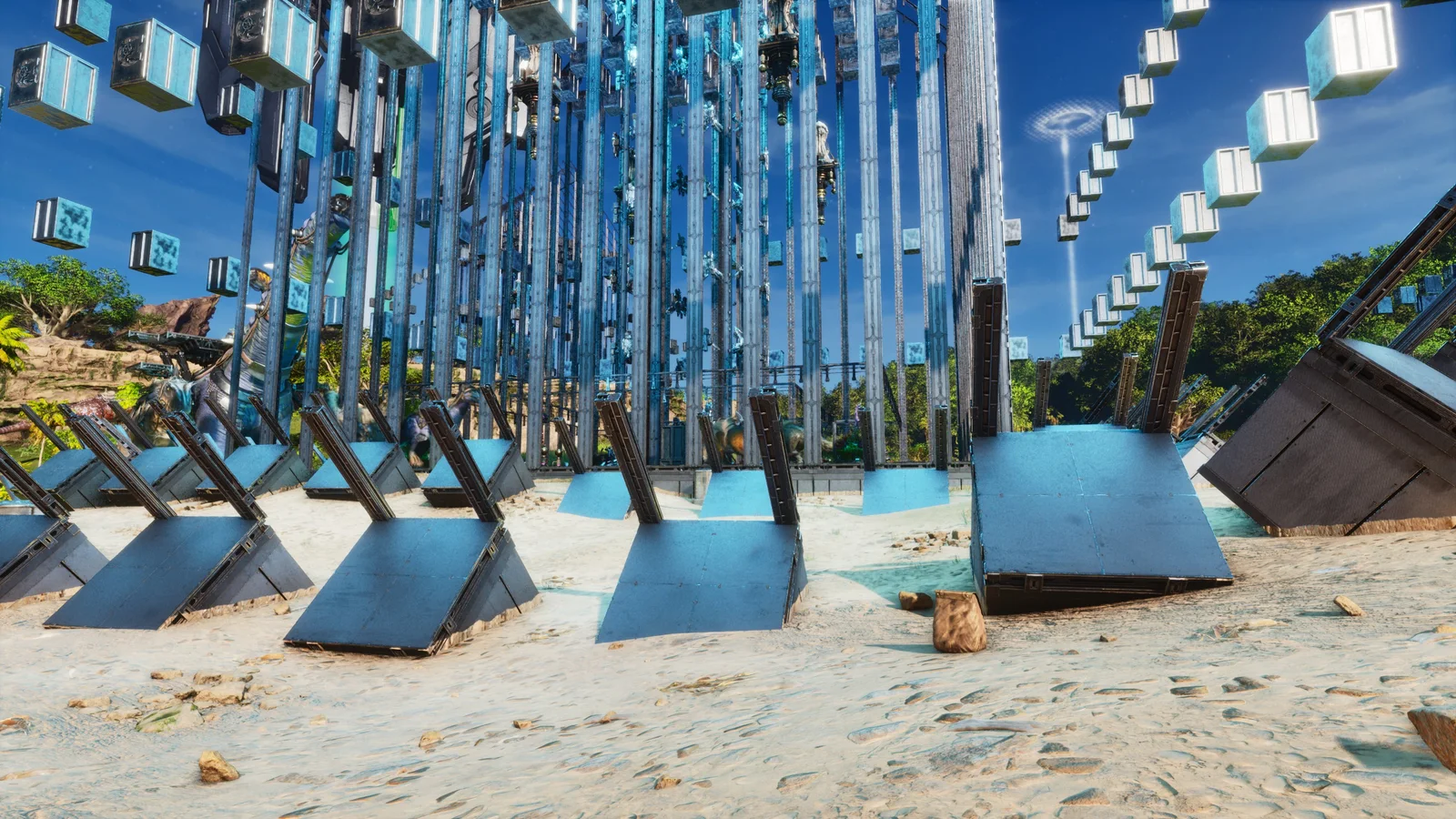
Anti-Tank Snap Pack
Three metal snapping variants - 29 structures across the set, 11 at the largest - for placing anti-tank obstacles in repeatable defensive patterns. They are alternatives, not parts: pick the one that snaps to the approach you are blocking. Repeatability is the value, since hand-placing obstacles at a consistent spacing is exactly what goes wrong under time pressure. Fully vanilla.
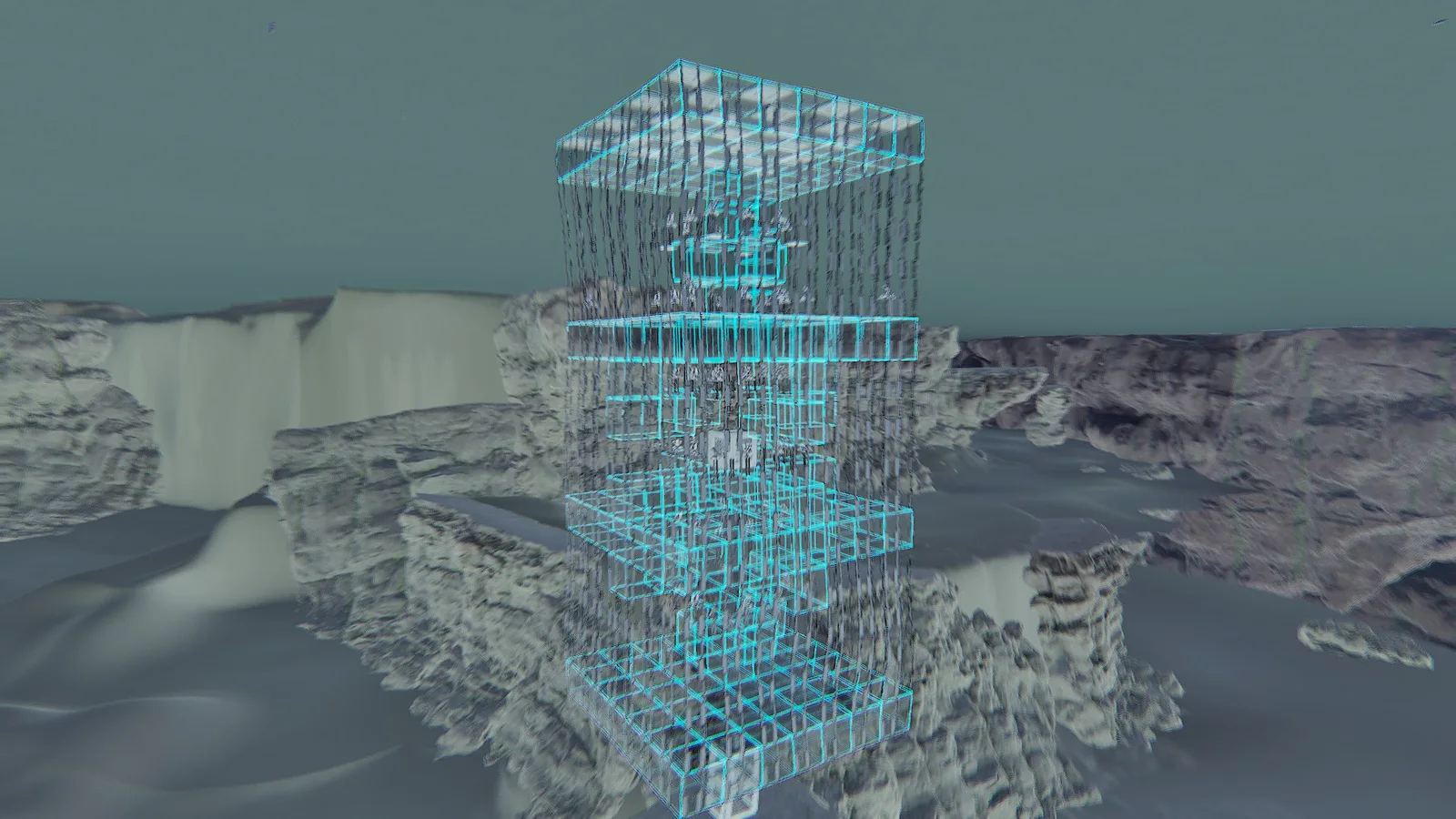
Underwater Turret Platform
A 1,684-structure underwater PvP platform shipped in two parts: the submerged base and the tower that snaps on top of it. Sixty-four Tek turrets sit in the design, and the bulk of the piece count is doubledoorframe and doorframe layering — the standard way of stacking hitboxes on a structure that cannot be approached on foot. Build your vacuum chambers to the height you want first, snap the base to the lowest one, then remove the chambers running to the seabed.