 1 / 3
1 / 3Dedi, Cryo and Crafting Layer
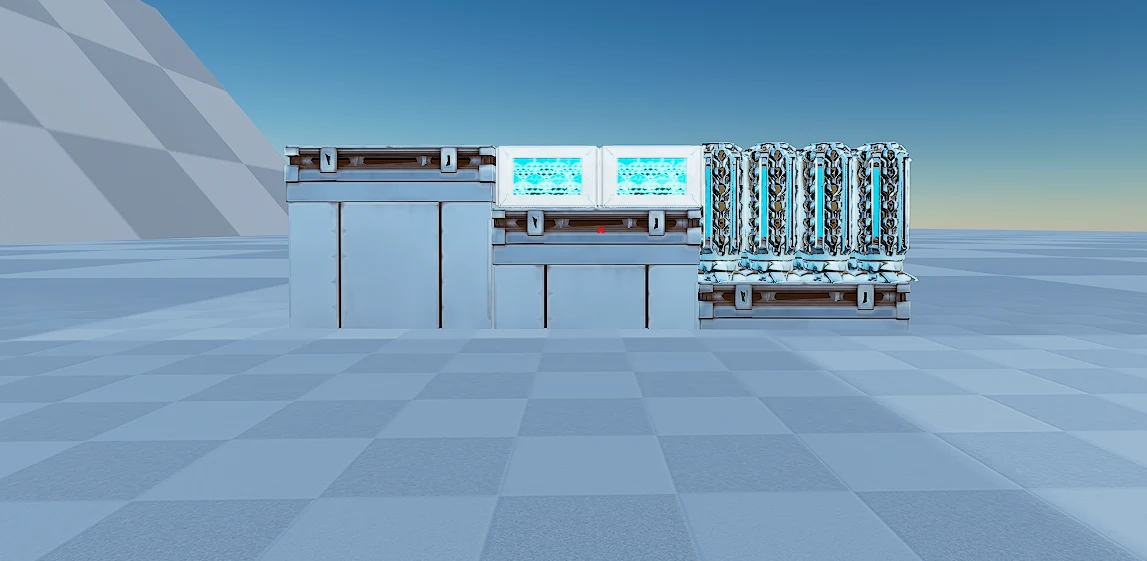
Twenty-six structures across two alternative layouts of the same floor: sixteen cryofridges, four dedicated storage boxes and the crafting run between them, arranged two different ways so you can pick whichever ordering matches the room you already have. The second layout is three foundations tall, which is the right height if your server runs custom cryofridge or dedicated storage sizes. Vanilla.
 Published byLayeh Market
Choose a part or variant
Dedi, Cryo and Crafting Layer
Template Hammer JSON · 23 structures · 3 unique types · 10 KB
Crafting, Cryo and Dedi Layer
Template Hammer JSON · 3 structures · 1 unique types · 2 KB
Official build cost by variant
Choose one variant. These material lists are separate costs; do not add them together.
Dedi, Cryo and Crafting Layer
Official build cost
- 2,490
- 700
- 492
- 112
- 45
- 16
- 12


Raw material equivalents 4 processed materials
Alternative farming view. Do not add these quantities to the prepared materials above.
- 112 Electronics112 crafts produce 112
- 112Metal Ingot
- 336Silica Pearls
- 700 Polymer700 crafts produce 700
- 1,400Cementing Paste
- 1,400Obsidian
- 1,445 Cementing Paste1,445 crafts produce 1,445
- 5,780Chitin/Keratin
- 11,560Stone
- 2,602 Metal Ingot2,602 crafts produce 2,602
- 5,204Metal


Combined raw farming total
- 11,560Stone
- 5,780Chitin/Keratin
- 5,204Metal
- 1,400Obsidian
- 492Crystal
- 336Silica Pearls
- 16Black Pearl
- 12Element
Every one of the 23 placed structures is costed from official DevKit recipe data.
Find raw materials on The Island
ASA only. These links cover Metal, Crystal, Oil and Obsidian on The Island; they do not establish locations on other maps or in ASE. Read the location guide for source scope and access limits, then open the filtered atlas.
Quantities below are the raw-material alternative to the prepared list above. Do not add the two lists together. Official processing recipes are expanded with shared demand combined before rounding to whole crafting batches; spare output is shown in Raw material equivalents. This assumes you craft the prepared materials from these recipes. Processing fuel, travel and server overrides are outside this crafting list. Map markers show recorded placements, not guaranteed harvest yields or farming times.
- 11,560 StoneRaw crafting requirementNo location handoff in this supported subset
- 5,780 Chitin/KeratinRaw crafting requirementNo location handoff in this supported subset
- 5,204 MetalRaw crafting requirement
- 1,400 ObsidianRaw crafting requirement
- 492 CrystalRaw crafting requirement
- 336 Silica PearlsRaw crafting requirementNo location handoff in this supported subset
- 16 Black PearlRaw crafting requirementNo location handoff in this supported subset
- 12 ElementRaw crafting requirementNo location handoff in this supported subset
Structure list — 3 types, 23 pieces
- Cryofridge×16other
Material subtotal
- 1,840 × Metal Ingot
- 480 × Polymer
- 192 × Crystal
- 112 × Electronics
- Metal Foundation×3metal
Material subtotal
- 150 × Metal Ingot
- 45 × Cementing Paste
- Tek Dedicated Storage×4tek
Material subtotal
- 500 × Metal Ingot
- 300 × Crystal
- 220 × Polymer
- 16 × Black Pearl
- 12 × Element


Crafting, Cryo and Dedi Layer
Official build cost
- 150
- 45
Raw material equivalents 2 processed materials
Alternative farming view. Do not add these quantities to the prepared materials above.
- 45 Cementing Paste45 crafts produce 45
- 180Chitin/Keratin
- 360Stone
- 150 Metal Ingot150 crafts produce 150
- 300Metal
Combined raw farming total
- 360Stone
- 300Metal
- 180Chitin/Keratin
Every one of the 3 placed structures is costed from official DevKit recipe data.
Find raw materials on The Island
ASA only. These links cover Metal, Crystal, Oil and Obsidian on The Island; they do not establish locations on other maps or in ASE. Read the location guide for source scope and access limits, then open the filtered atlas.
Quantities below are the raw-material alternative to the prepared list above. Do not add the two lists together. Official processing recipes are expanded with shared demand combined before rounding to whole crafting batches; spare output is shown in Raw material equivalents. This assumes you craft the prepared materials from these recipes. Processing fuel, travel and server overrides are outside this crafting list. Map markers show recorded placements, not guaranteed harvest yields or farming times.
- 360 StoneRaw crafting requirementNo location handoff in this supported subset
- 300 MetalRaw crafting requirement
- 180 Chitin/KeratinRaw crafting requirementNo location handoff in this supported subset
Structure list — 1 type, 3 pieces
- Metal Foundation×3metal
Material subtotal
- 150 × Metal Ingot
- 45 × Cementing Paste
How to use this template
- Install Template HammerOpen ARK: Survival Ascended on PC with the required content listed above.
- Get the build dataCopy JSON import data or download the native .template file for the selected build.
- Import and previewPaste or load it in Template Hammer, then review placement and resources before confirming.
Related templates
Warroom Storage Pack
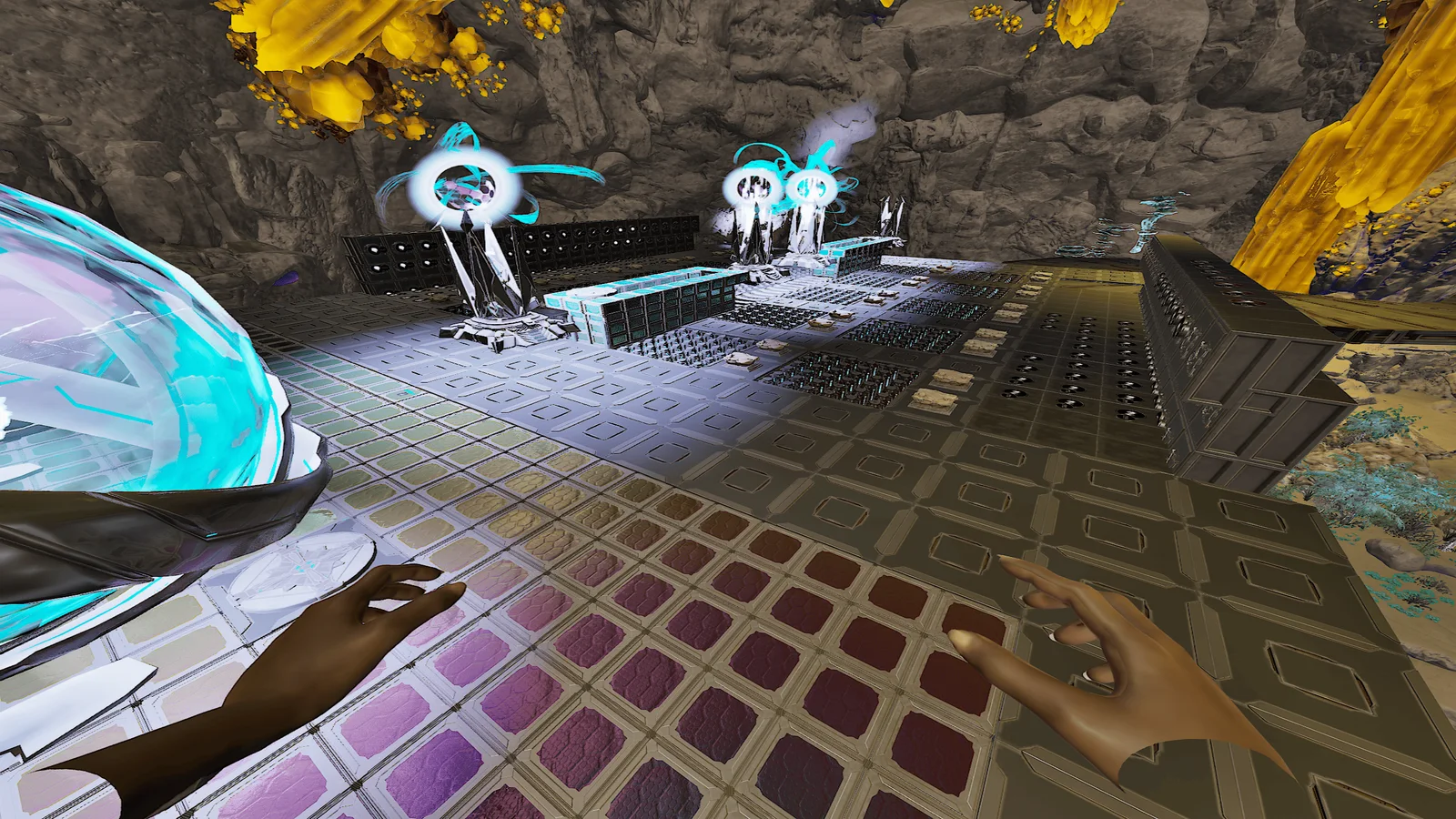
Thirty-four structures across three parts for kitting out a warroom: a snap guide that gives you the foundation grid, a vault floor, and a triple-stacked vault block. Place the snap guide against the room you already have and connect the ceilings with railings for support, then drop the floors onto the grid it establishes. Vanilla, and every container places empty.
Triple-Stack Vaults
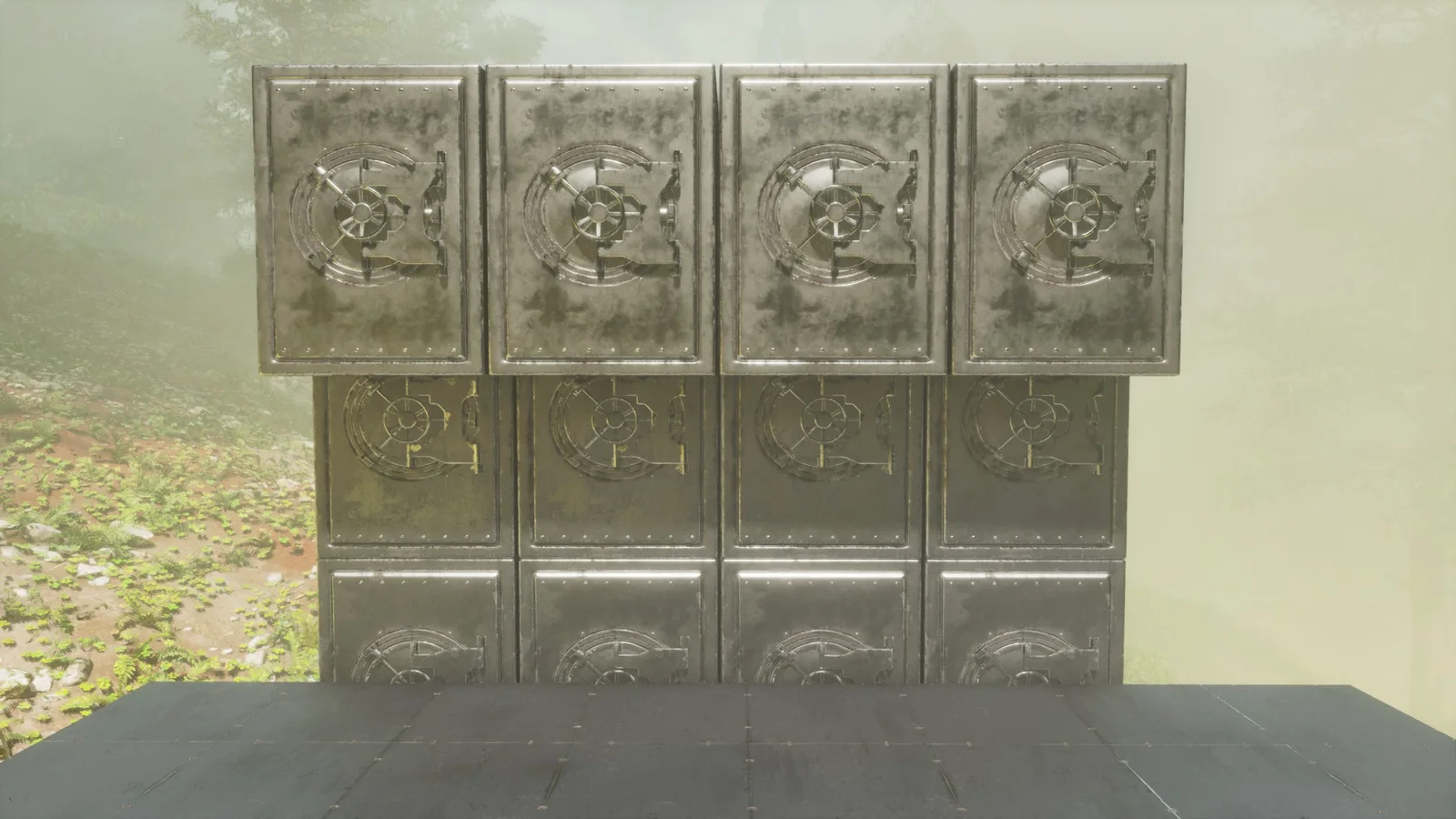
Left and right four-structure alignment variants for building clean triple-stacked vault storage in metal, eight structures across both. Vaults do not stack neatly without a foundation offset, and the two handed variants exist because that offset mirrors depending on which side of the room you build from. Fully vanilla, and near-free in structure count.

Lowered Flush Floor Pack
Sixteen structures across three alternative floors, each lowered by the exact amount one container type needs to sit flush: one for dedicated storage boxes, one for a mixed dedicated and cryofridge row, and one for vaults. Getting this right by hand is the fiddly part of a storage room, because a floor that is one tier off reads as wrong from every angle. Vanilla, and each floor places independently.
Flush Dedicated Storage & Cryofridge Floor
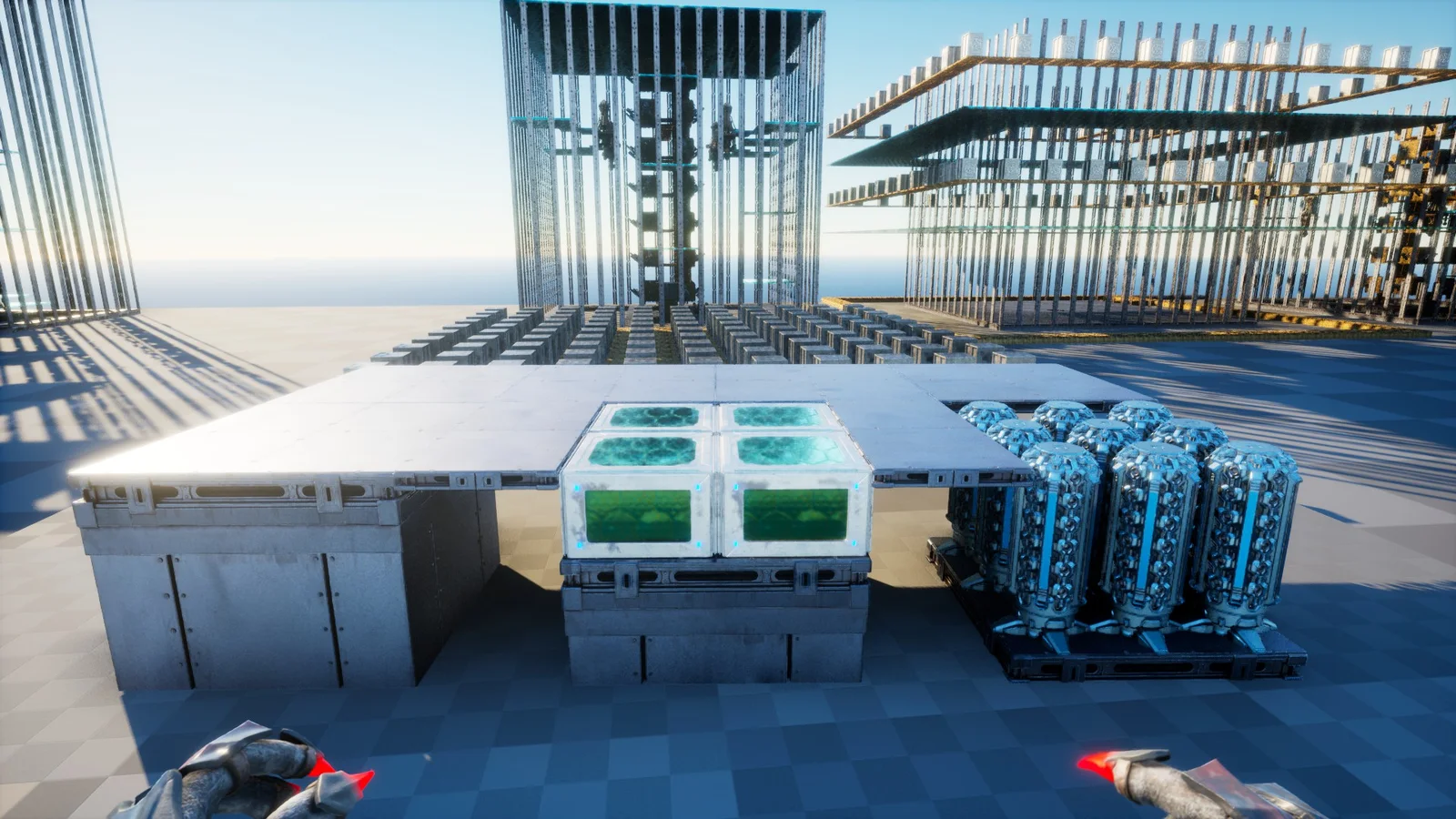
A seven-structure metal alignment utility for setting dedicated storage and cryofridges into a clean lowered floor. Almost no structure cost, and purely geometric: it exists to give you the exact foundation offsets, because a flush lowered floor is fiddly to snap by hand and being wrong by one tile ruins the whole run of storage. Fully vanilla, PvE or PvP.