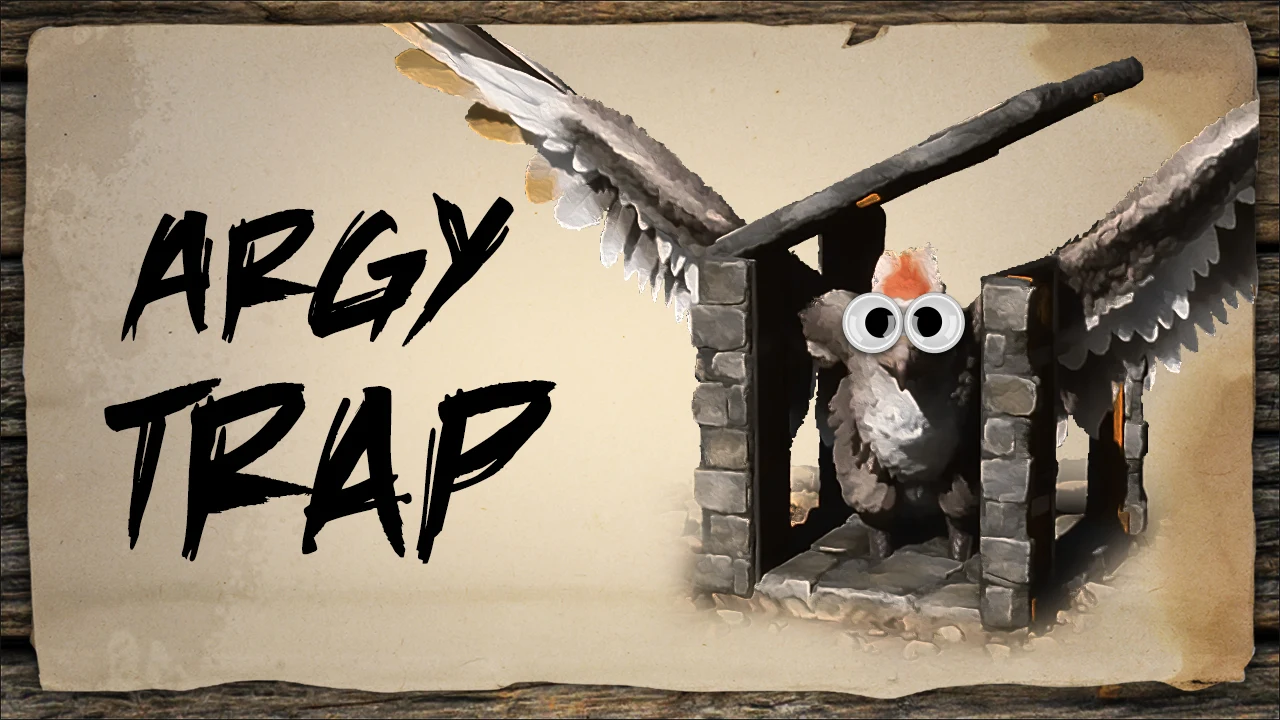
Argentavis Trap
A six-structure Argentavis trap - the smallest build in this library - in stone, for fast setup and a safe exit while the target sleeps. Six pieces means you can carry the materials on a taming run and put it down wherever the Argy is, instead of luring it home. Fully vanilla, no DLC and no mods, so it works on any PC server.
 Published byLayeh Market
Choose a part or variant
Argentavis Trap
Template Hammer JSON · 6 structures · 4 unique types · 3 KB
Official build cost
- 280
- 144
- 103


Every one of the 6 placed structures is costed from official DevKit recipe data.
Find raw materials on The Island
ASA only. These links cover Metal, Crystal, Oil and Obsidian on The Island; they do not establish locations on other maps or in ASE. Read the location guide for source scope and access limits, then open the filtered atlas.
Quantities below are the raw-material alternative to the prepared list above. Do not add the two lists together. Official processing recipes are expanded with shared demand combined before rounding to whole crafting batches; spare output is shown in Raw material equivalents. This assumes you craft the prepared materials from these recipes. Processing fuel, travel and server overrides are outside this crafting list. Map markers show recorded placements, not guaranteed harvest yields or farming times.
- 280 StoneRaw crafting requirementNo location handoff in this supported subset
- 144 WoodRaw crafting requirementNo location handoff in this supported subset
- 103 ThatchRaw crafting requirementNo location handoff in this supported subset
Structure list — 4 types, 6 pieces
- Stone Foundation×1stone
Material subtotal
- 80 × Stone
- 40 × Wood
- 30 × Thatch
- Stone Reinforced Doors & Windows×1stone
Material subtotal
- 20 × Stone
- 14 × Wood
- 8 × Thatch
- Stone Roof, Ramp & Stairs×1stone
Material subtotal
- 60 × Stone
- 30 × Wood
- 20 × Thatch
- Stone Wall, Doorways & Windowframe×3stone
Material subtotal
- 120 × Stone
- 60 × Wood
- 45 × Thatch


How to use this template
- Install Template HammerOpen ARK: Survival Ascended on PC with the required content listed above.
- Get the build dataCopy JSON import data or download the native .template file for the selected build.
- Import and previewPaste or load it in Template Hammer, then review placement and resources before confirming.
Related templates
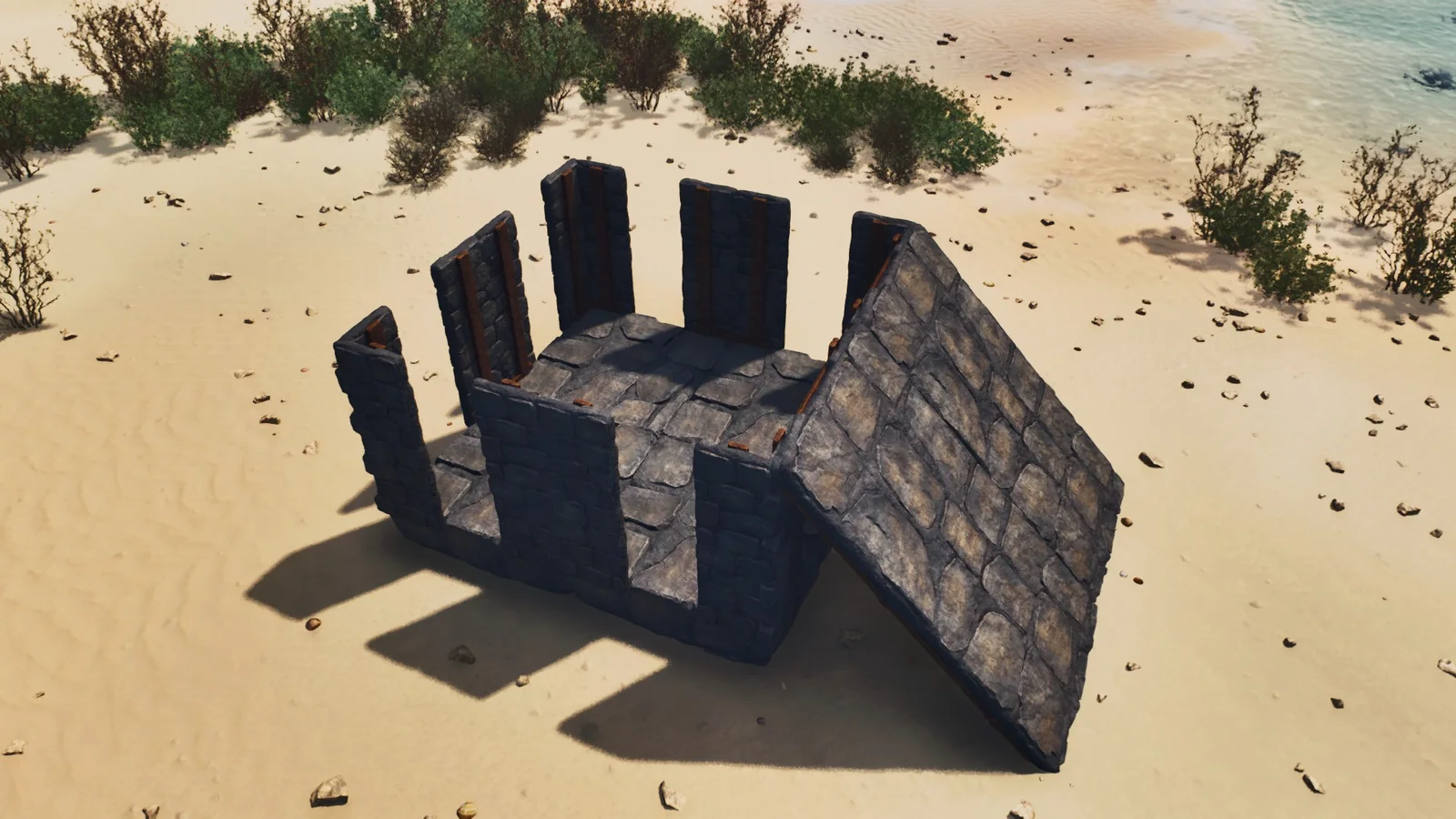
2×2 Stone Taming Trap
A 16-structure 2x2 stone taming trap that goes up in one trip on stone-tier resources, sized for mid-game land tames. Small enough to build on the spot when you find a target rather than walking it back to a permanent pen, and cheap enough to leave behind afterwards. Fully vanilla - no DLC, no mods. Official crafting costs are shown with visible recipe coverage.
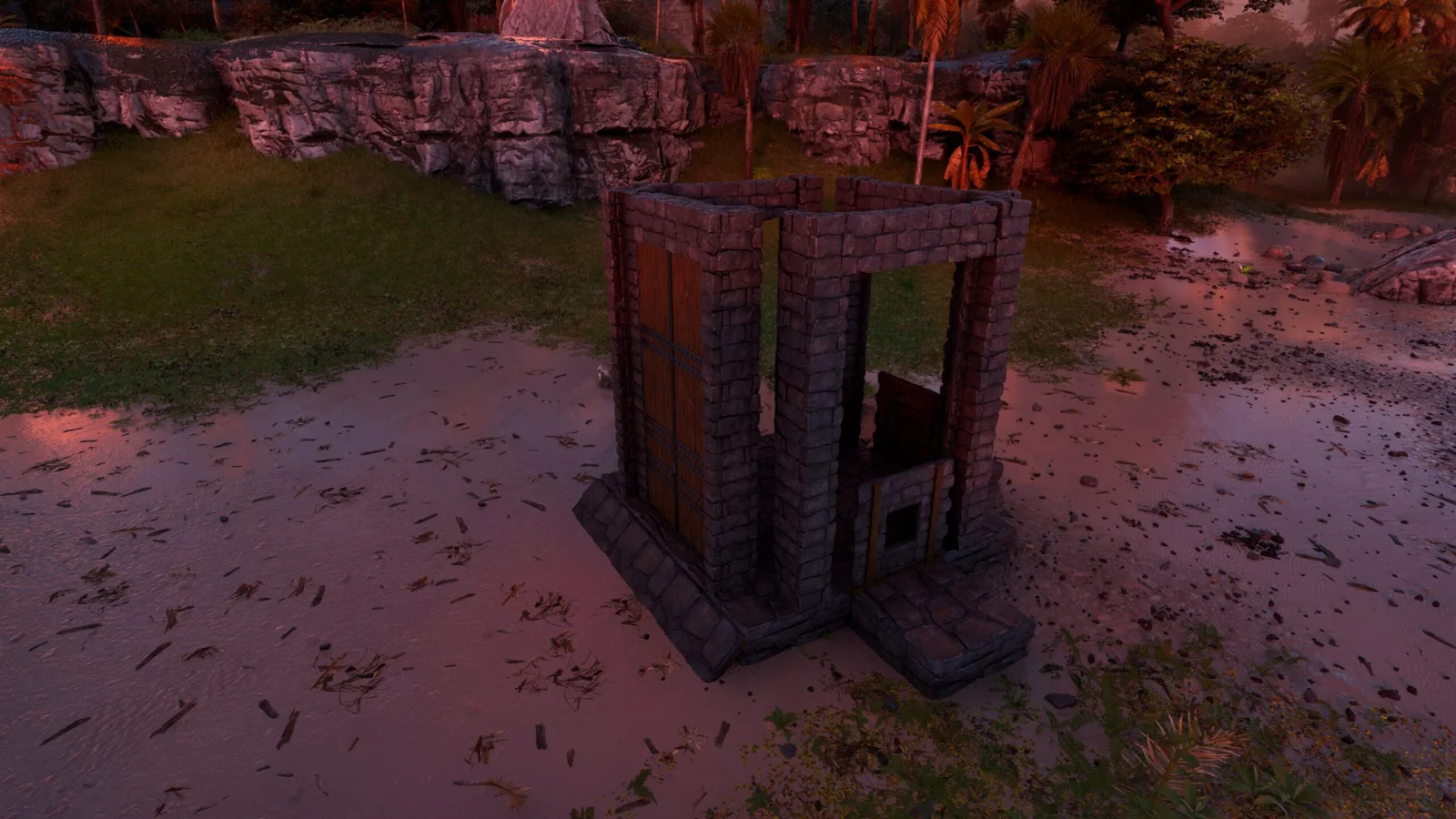
Medium Dino Trap
A 24-structure stone creature trap with two gates and a rear player exit, for controlled mid-game taming. The rear exit is the part homemade traps usually miss: it lets you leave on foot without opening the gate the target came through. Fully vanilla, and cheap enough to abandon after the tame. Official crafting costs are shown with visible recipe coverage.